Capcut Fonts
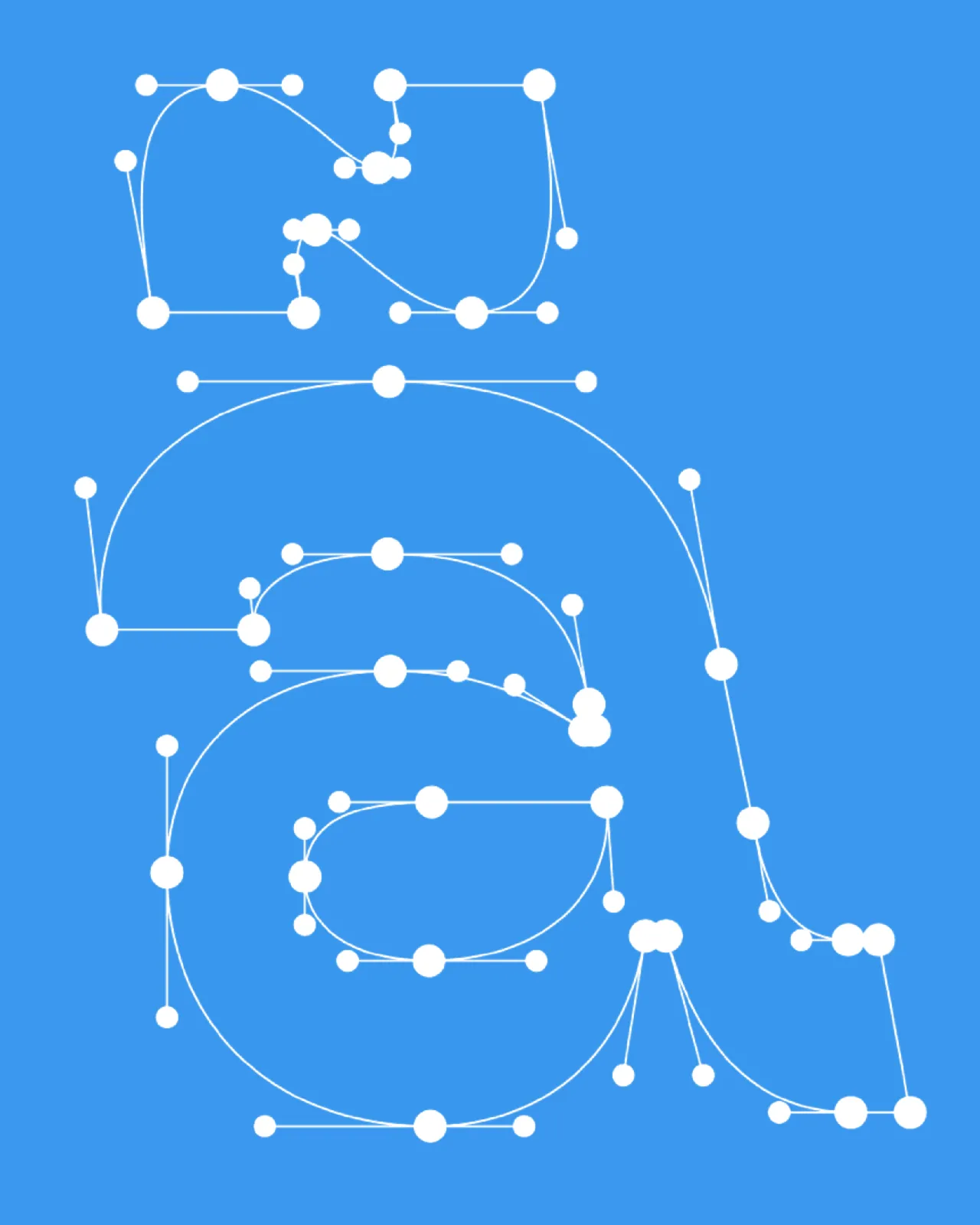
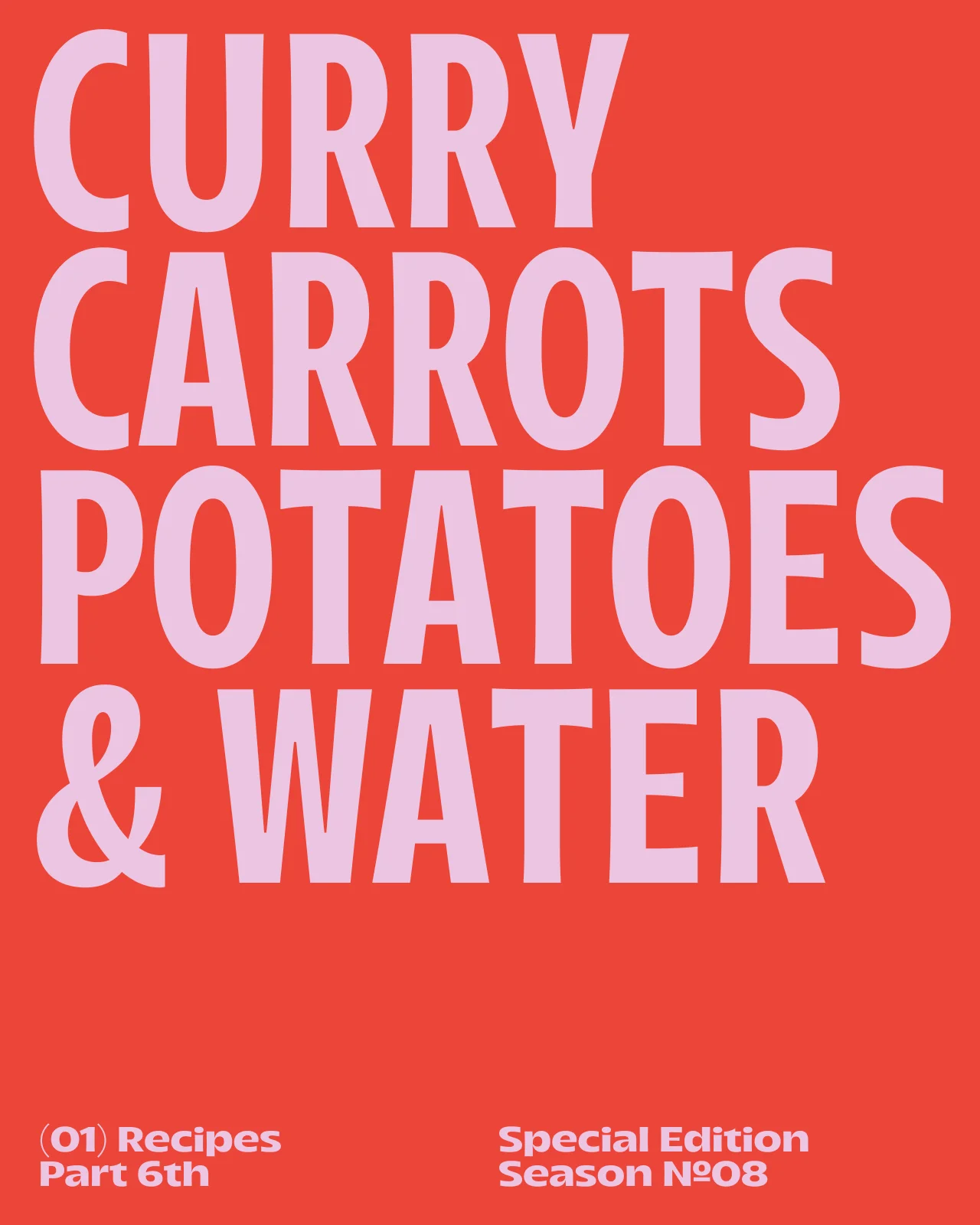
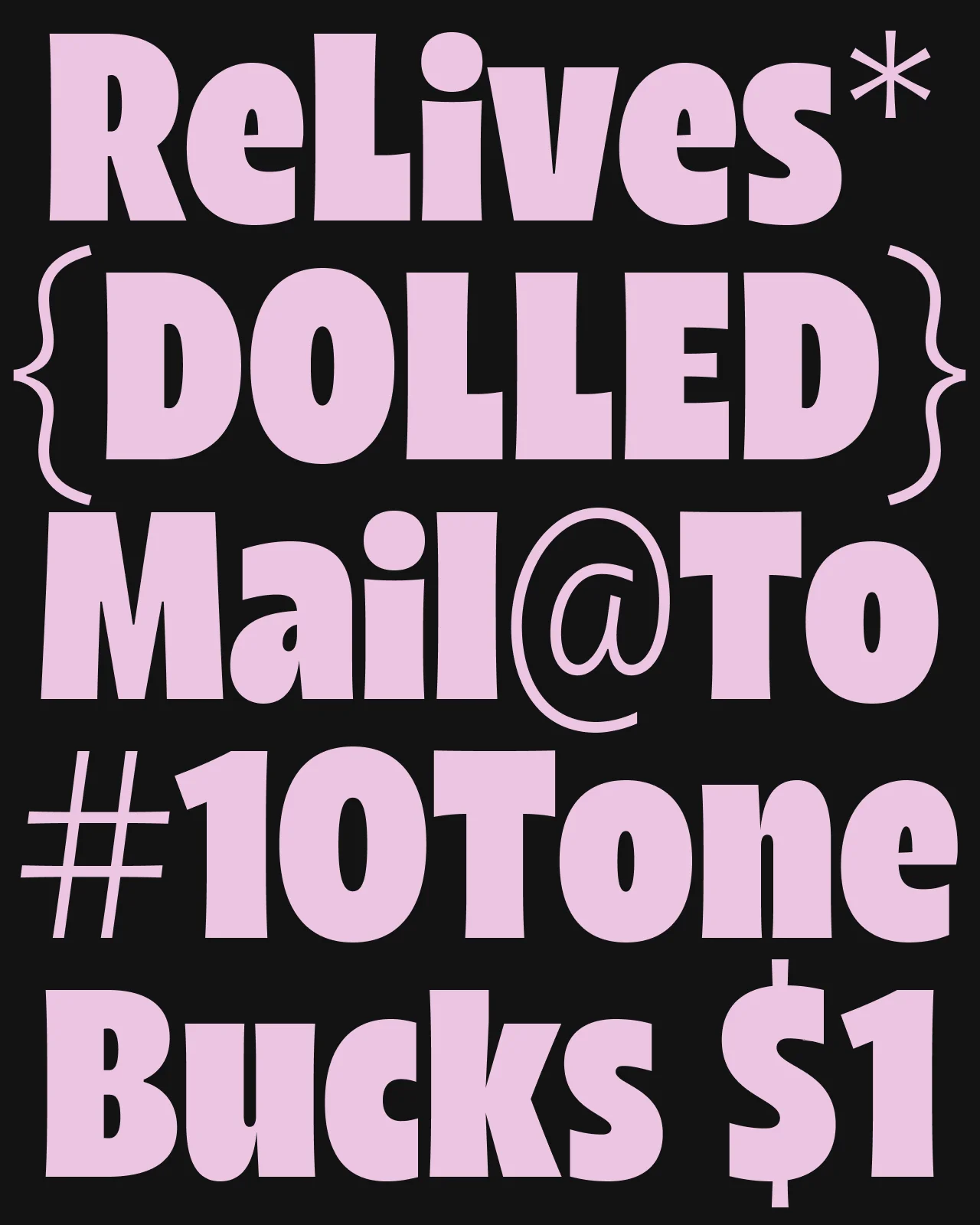
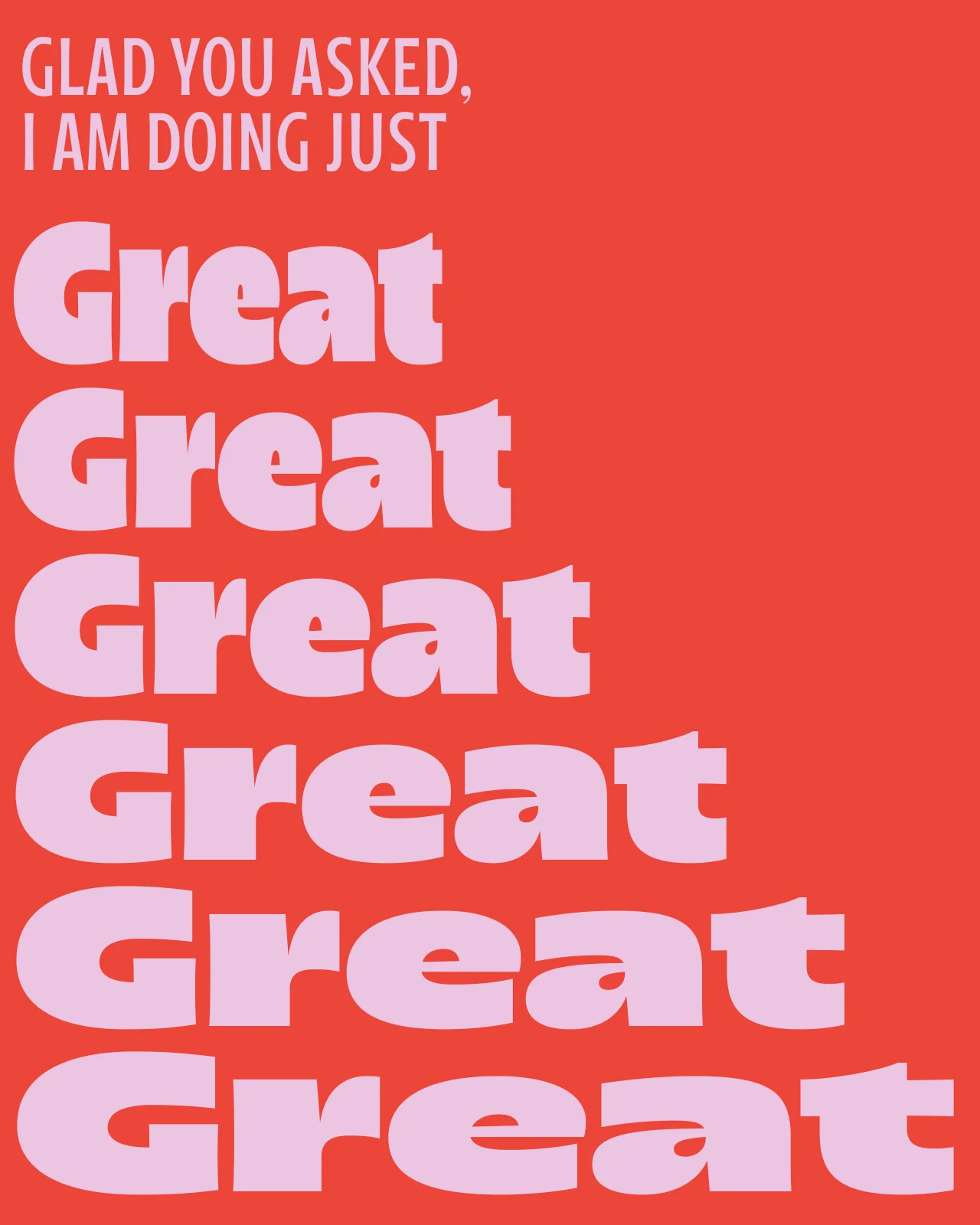
CapCut fonts are typefaces used for video editing workflows, such as titles, captions, subtitles, and on-screen text in CapCut and similar editing platforms. The right font needs to remain clear when it appears briefly, moves across the screen, scales between devices, or sits over busy footage.
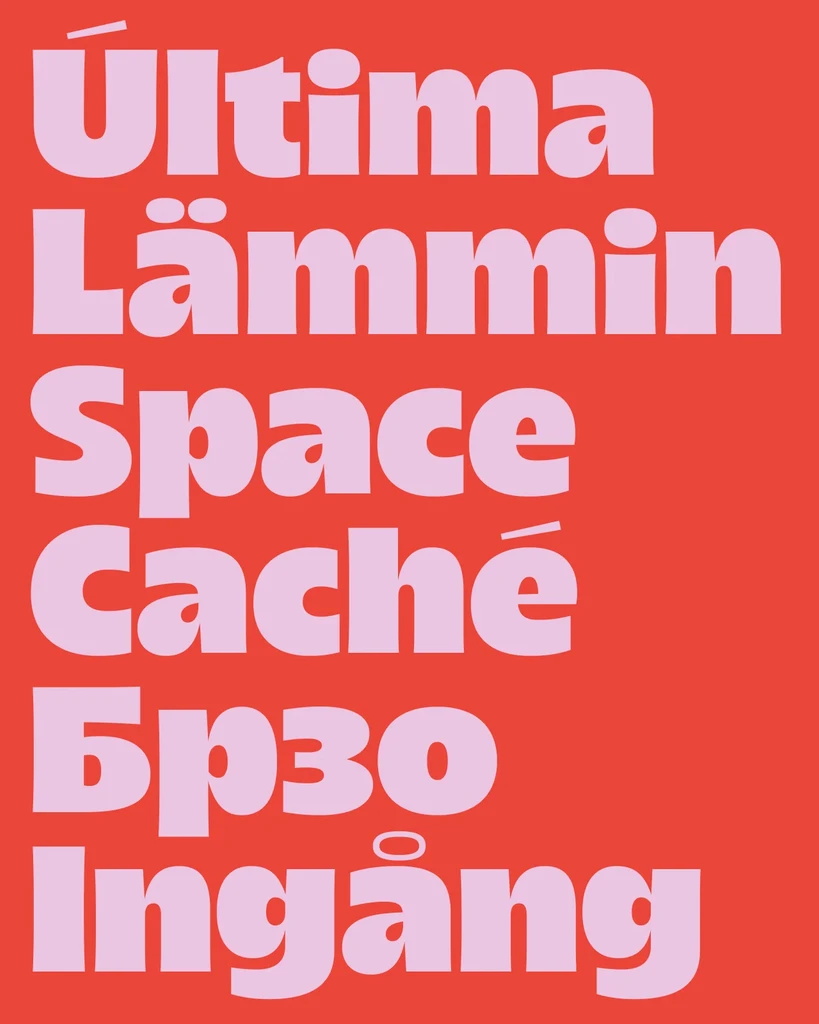
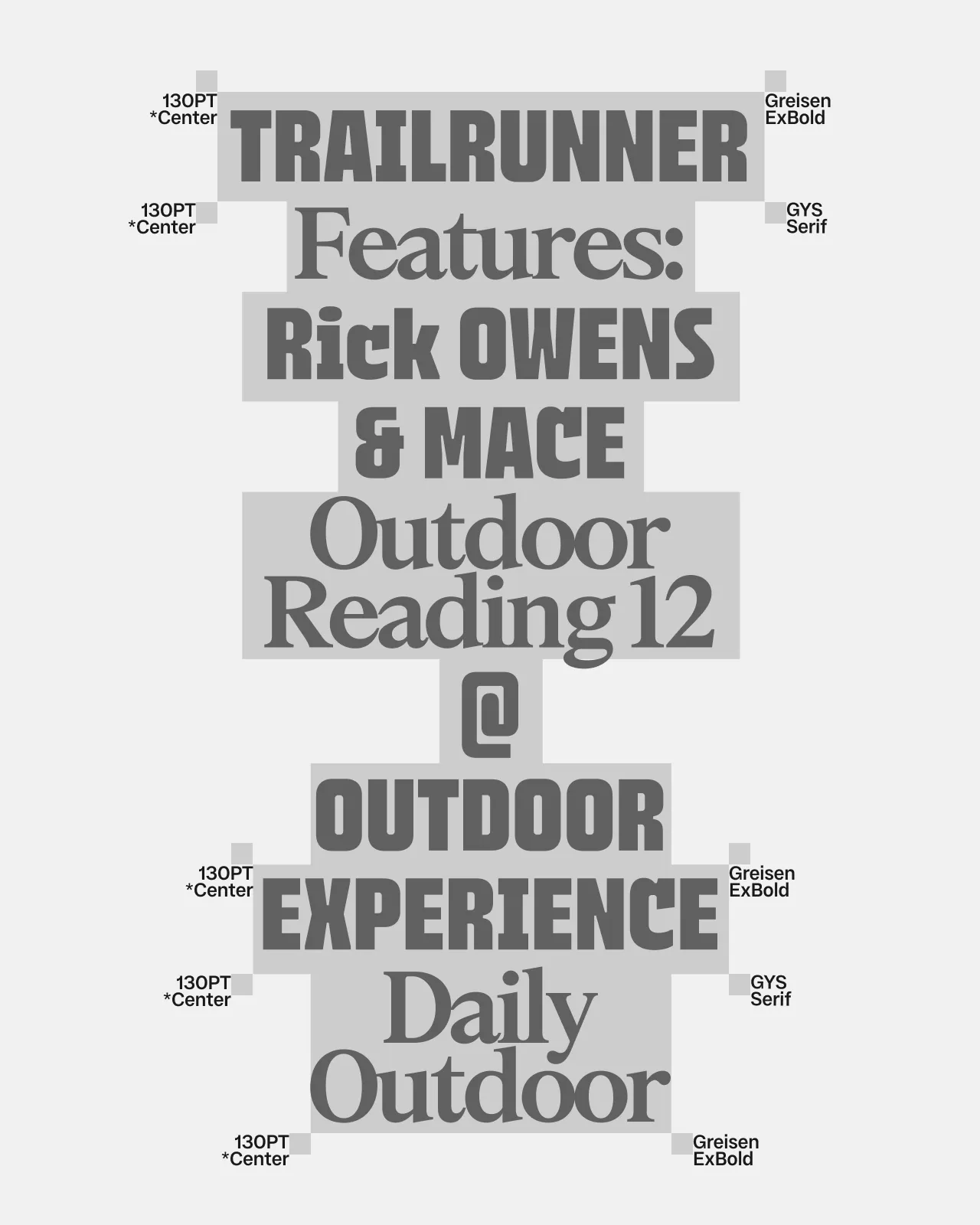
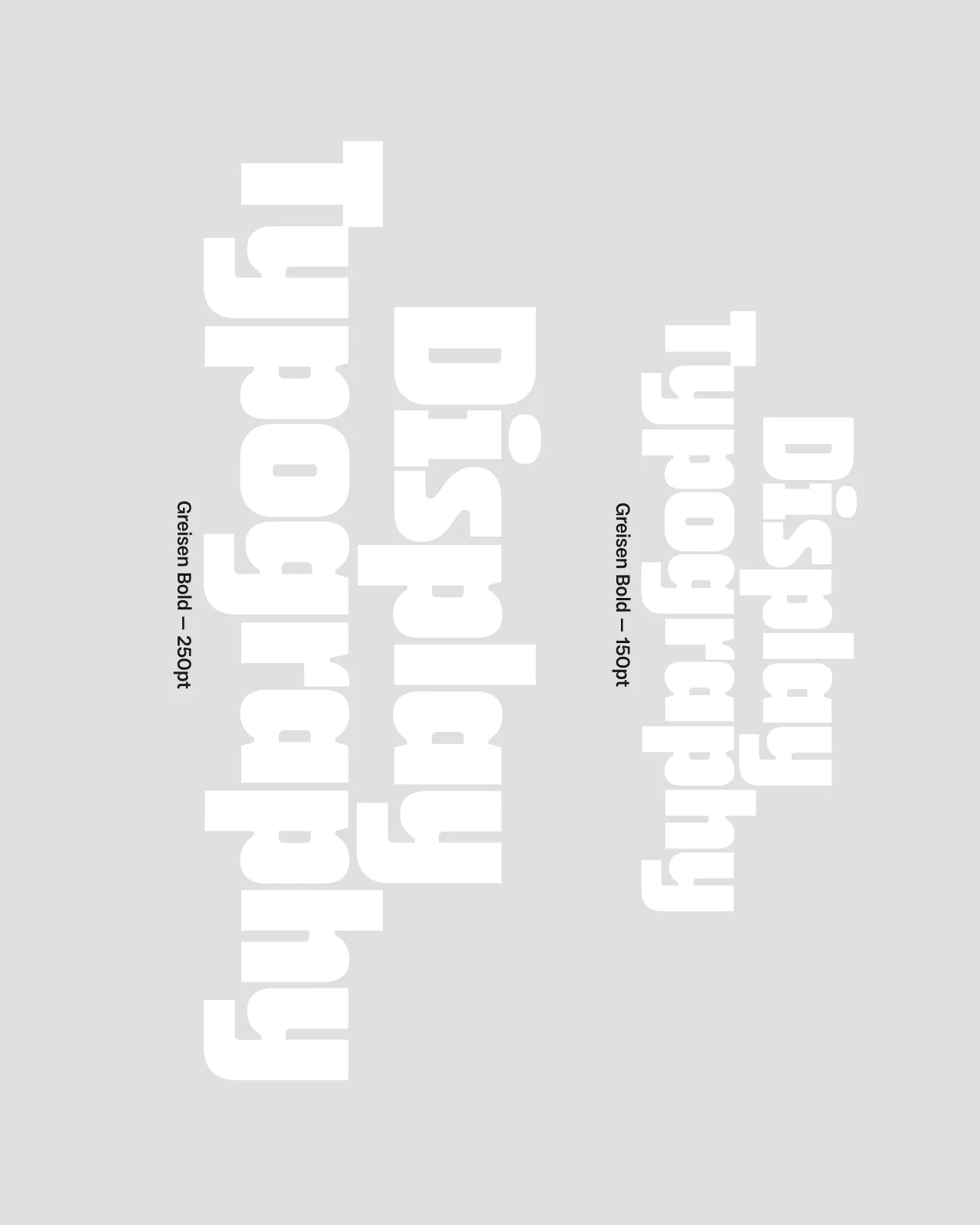
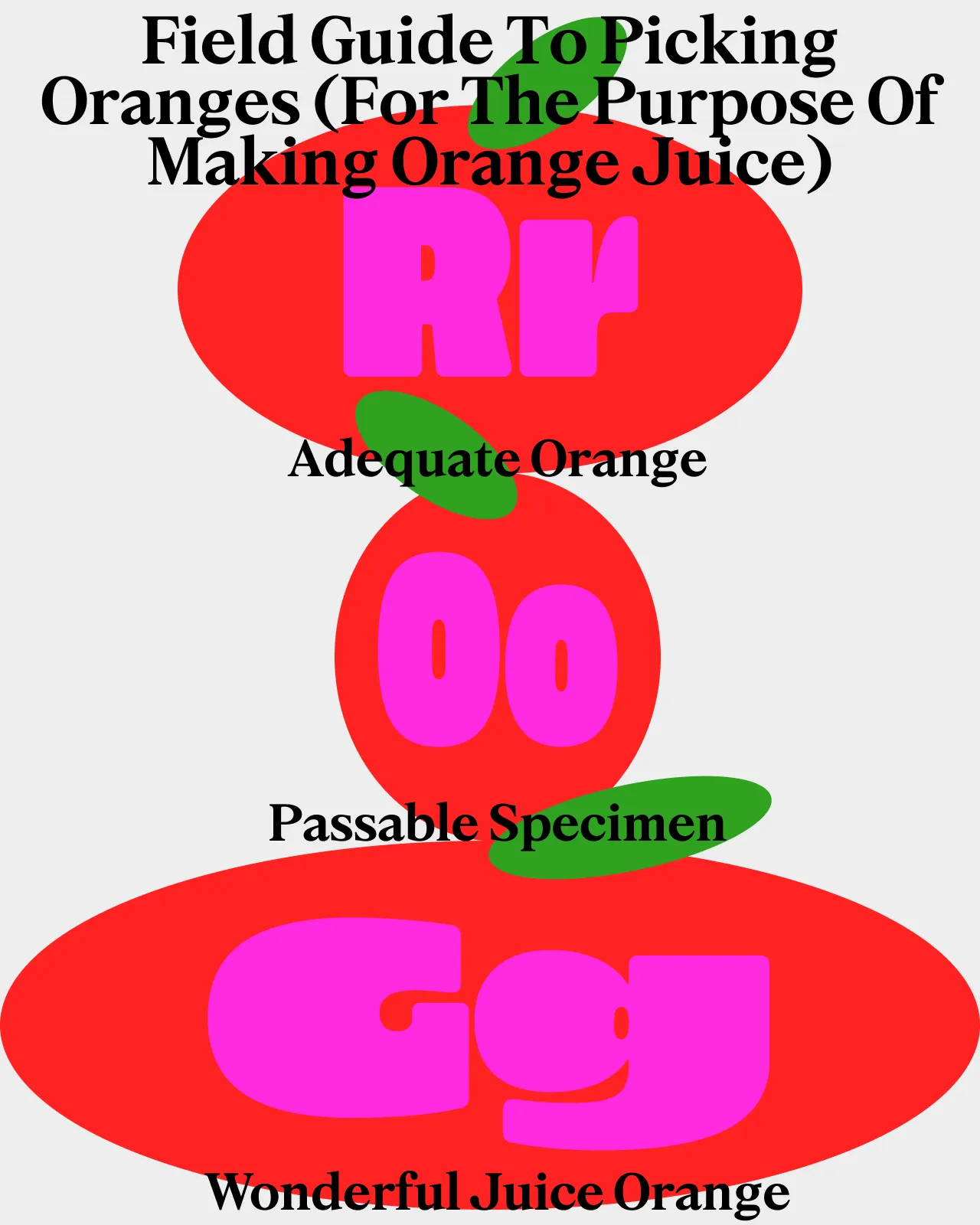
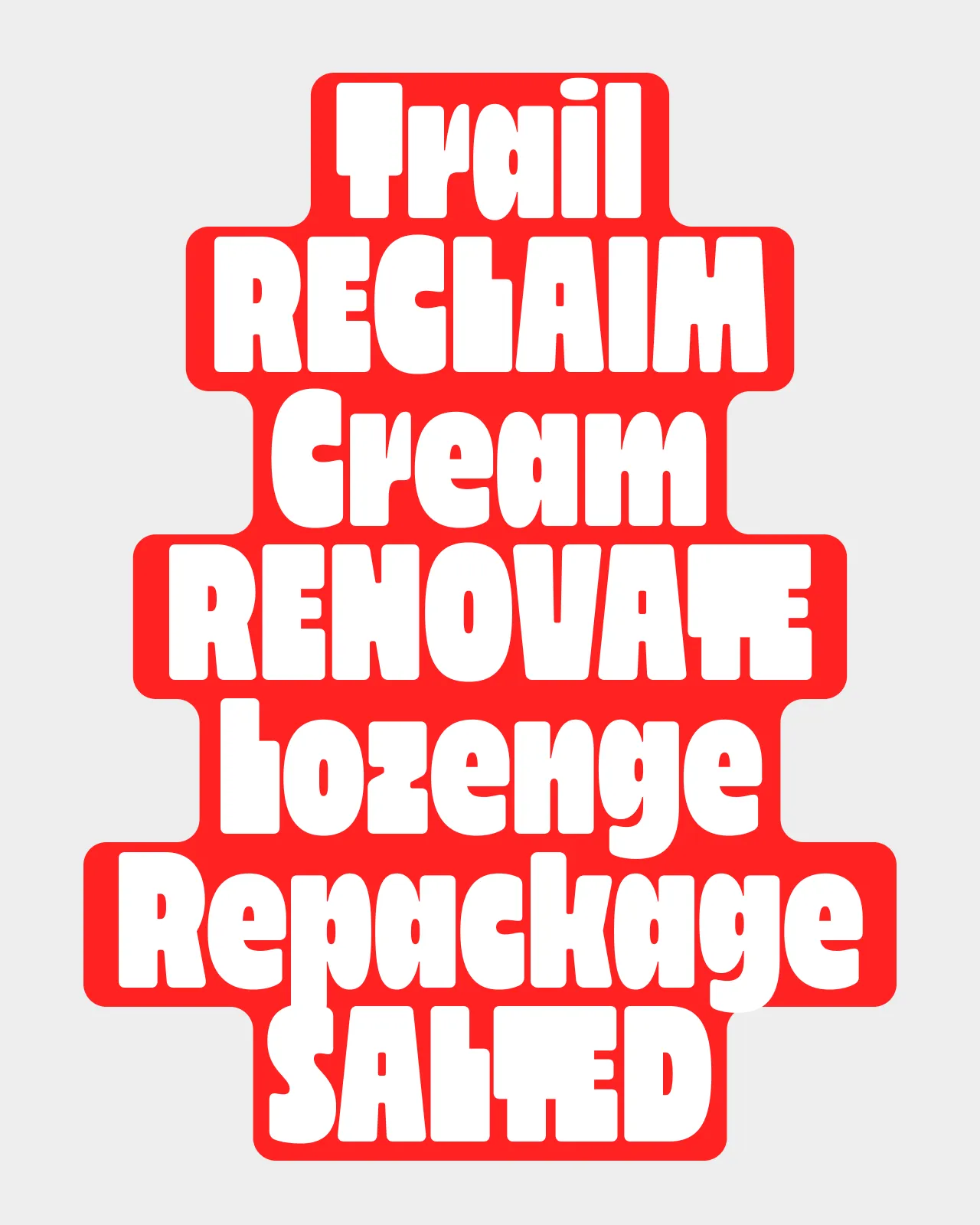
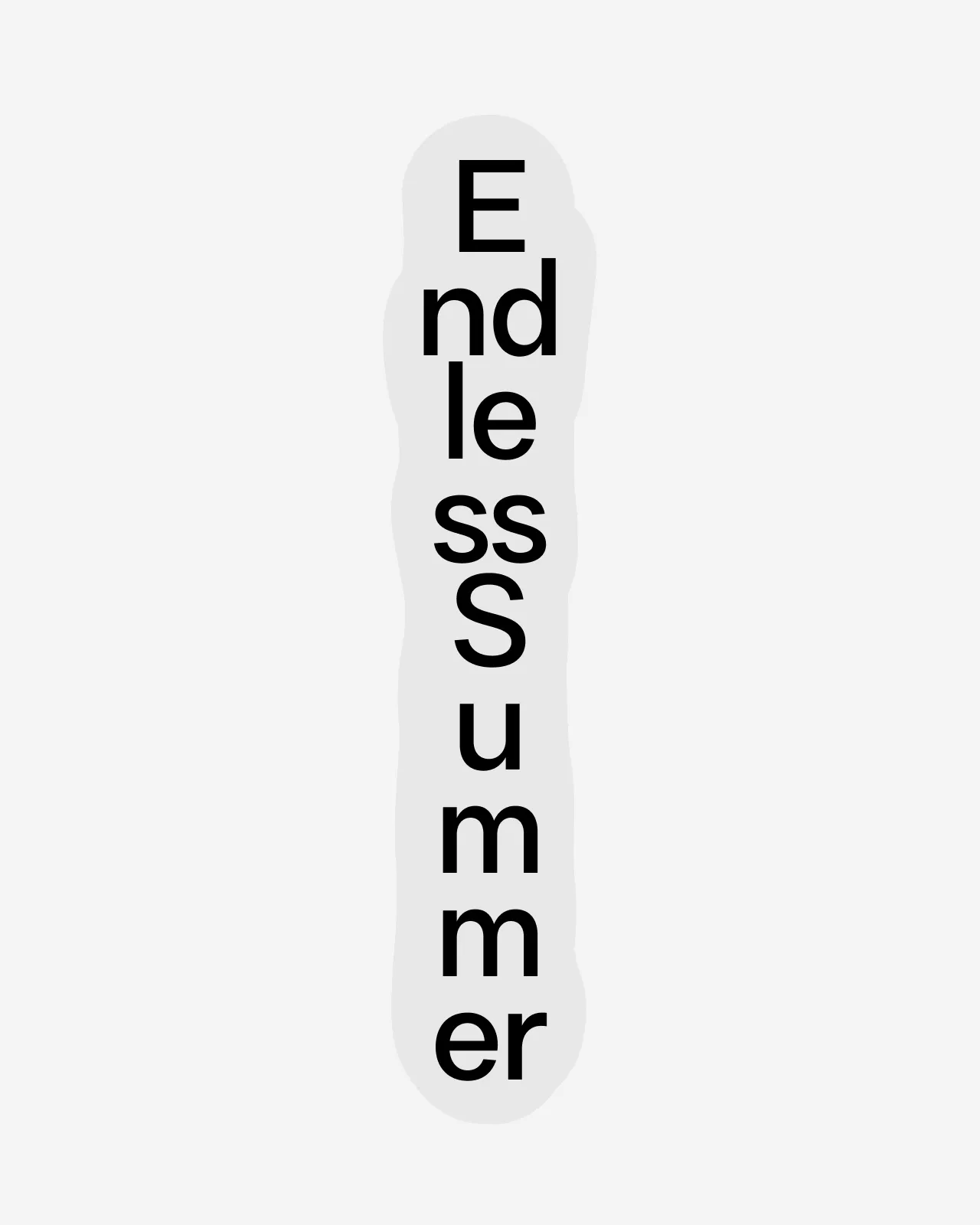
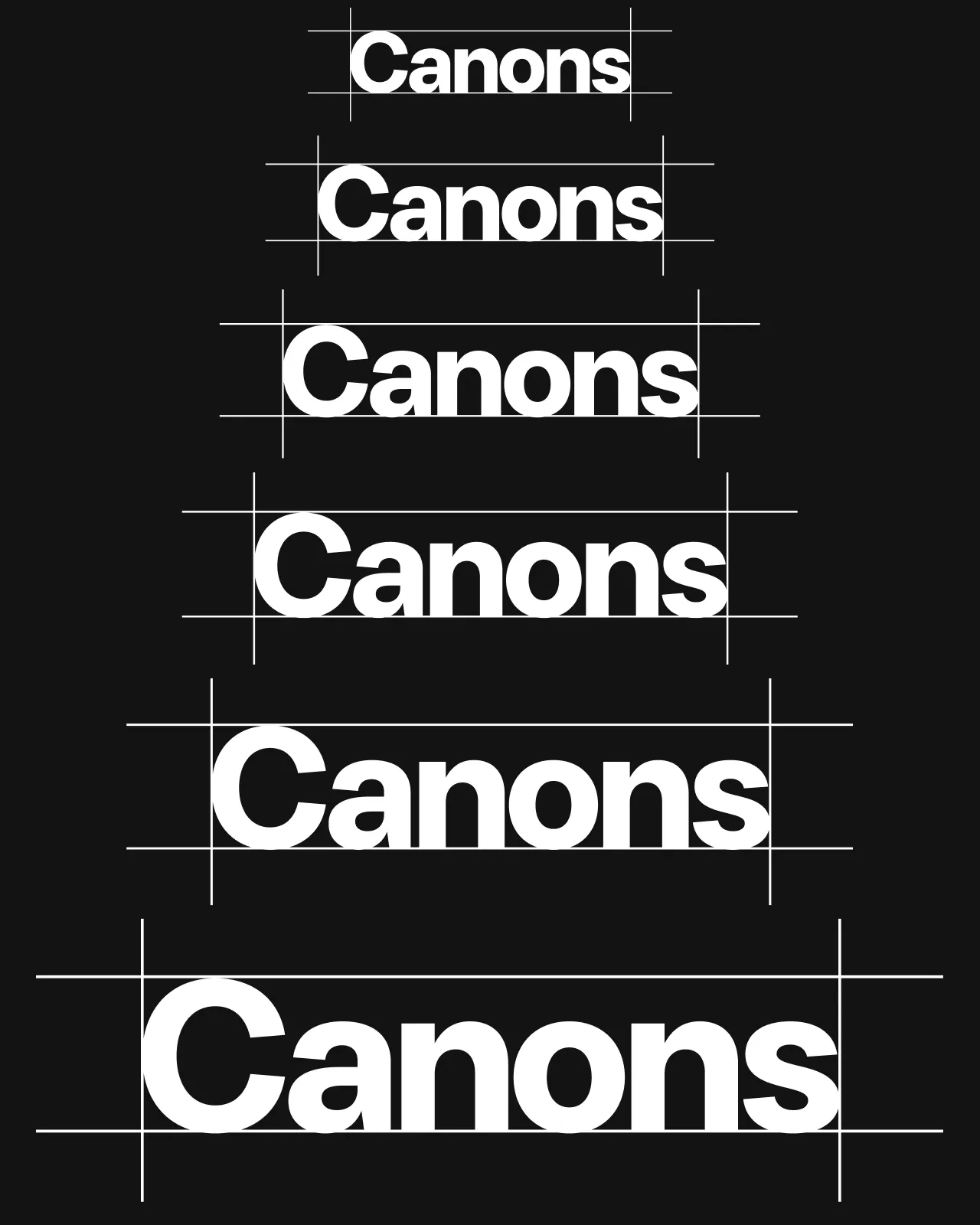
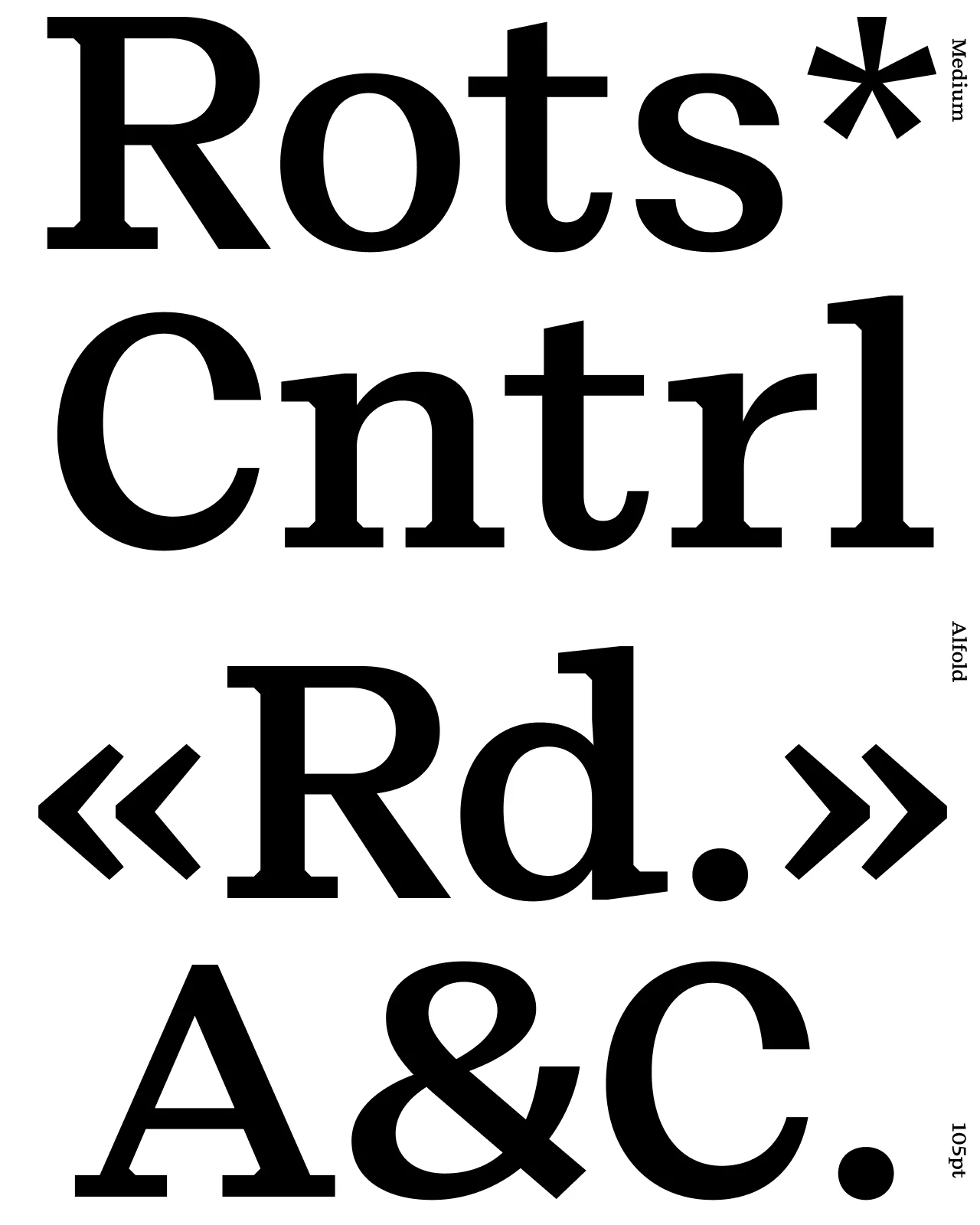
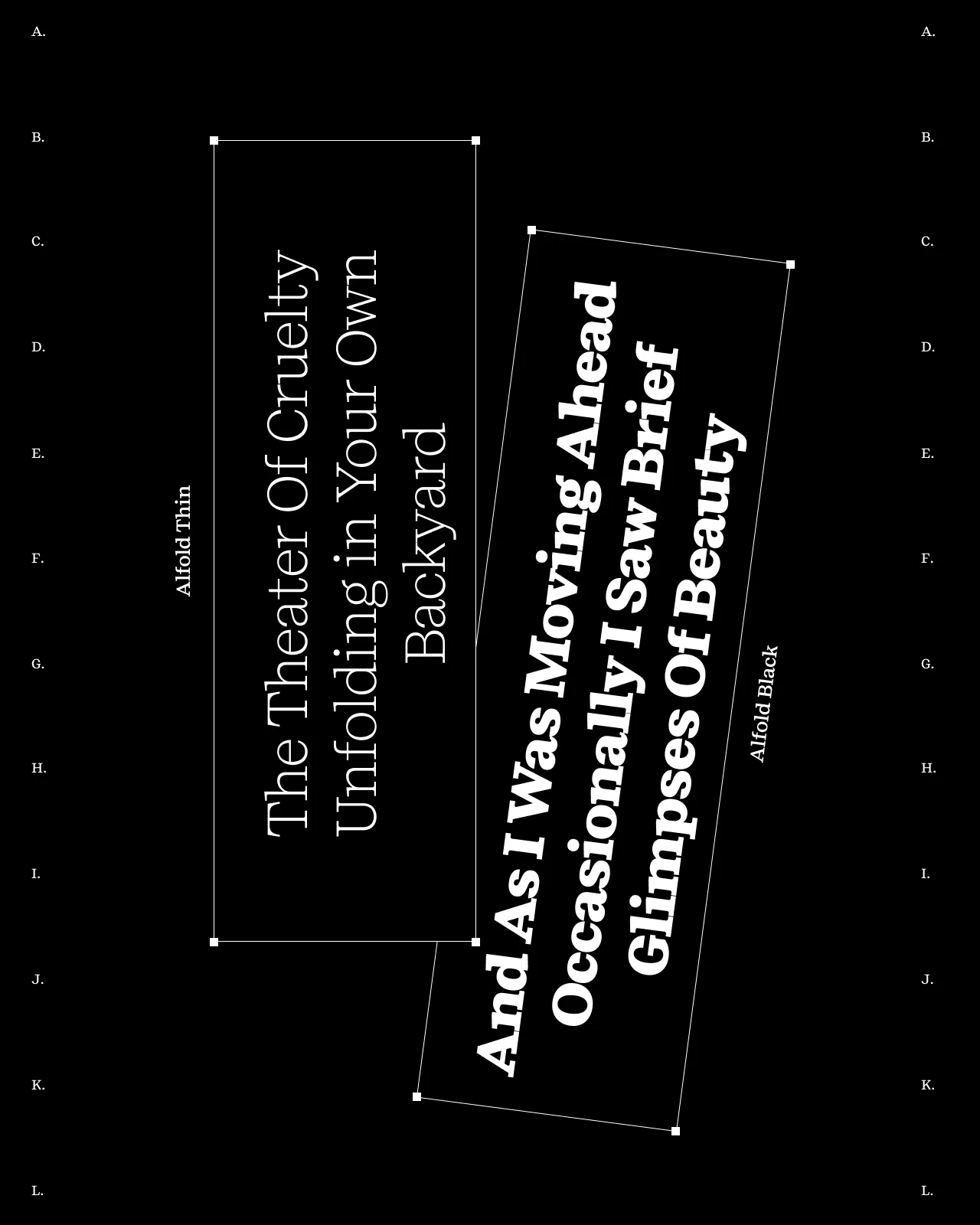
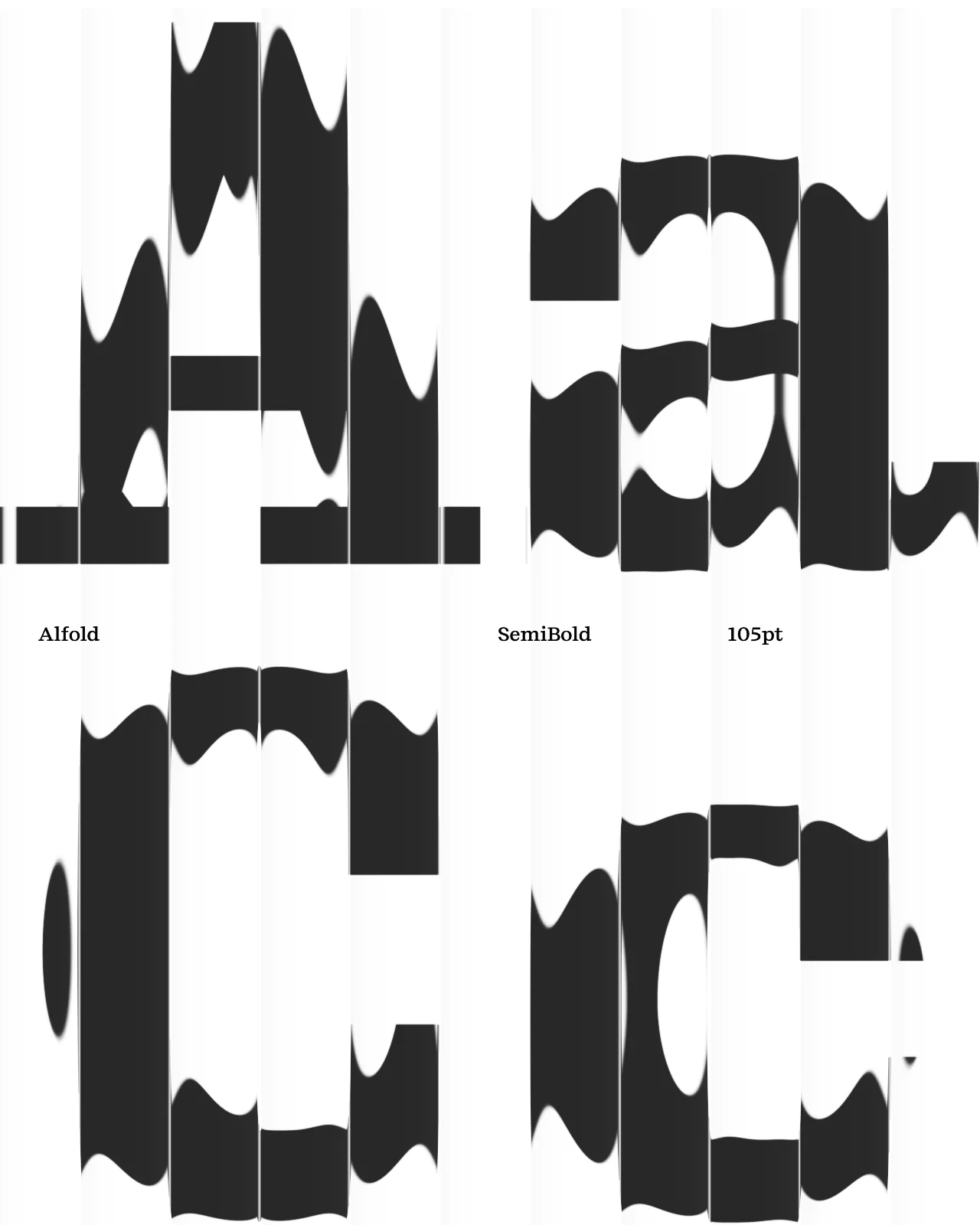
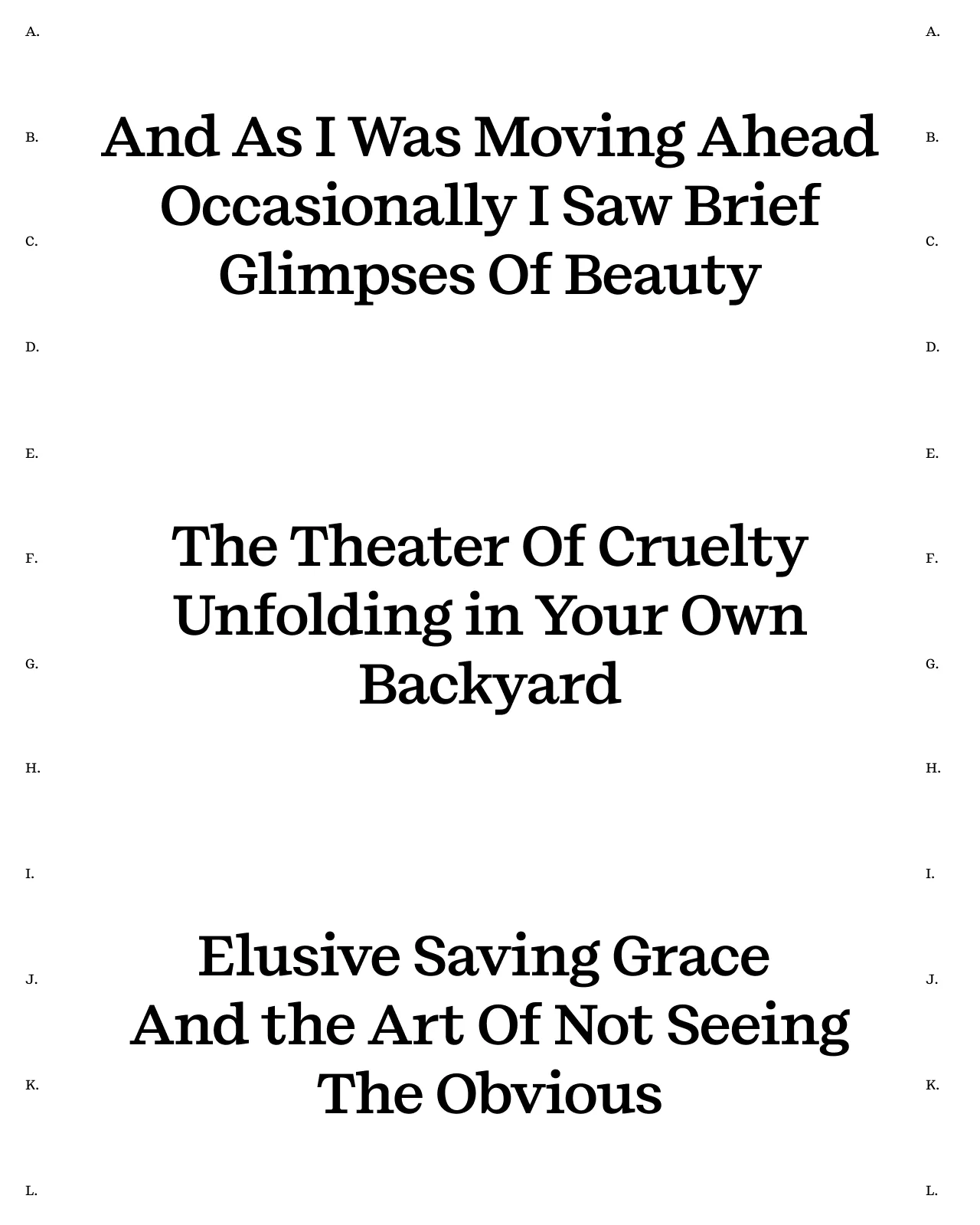
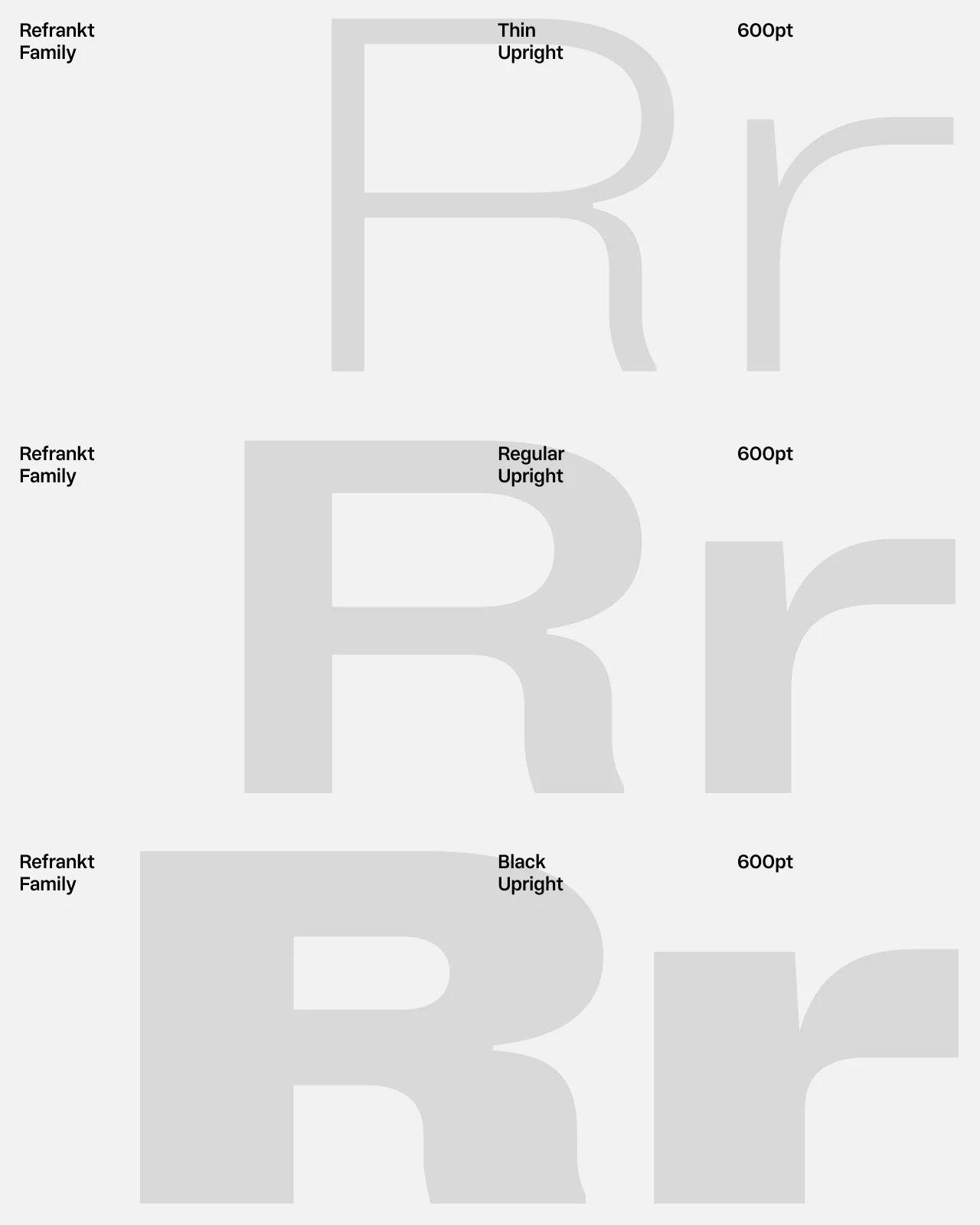
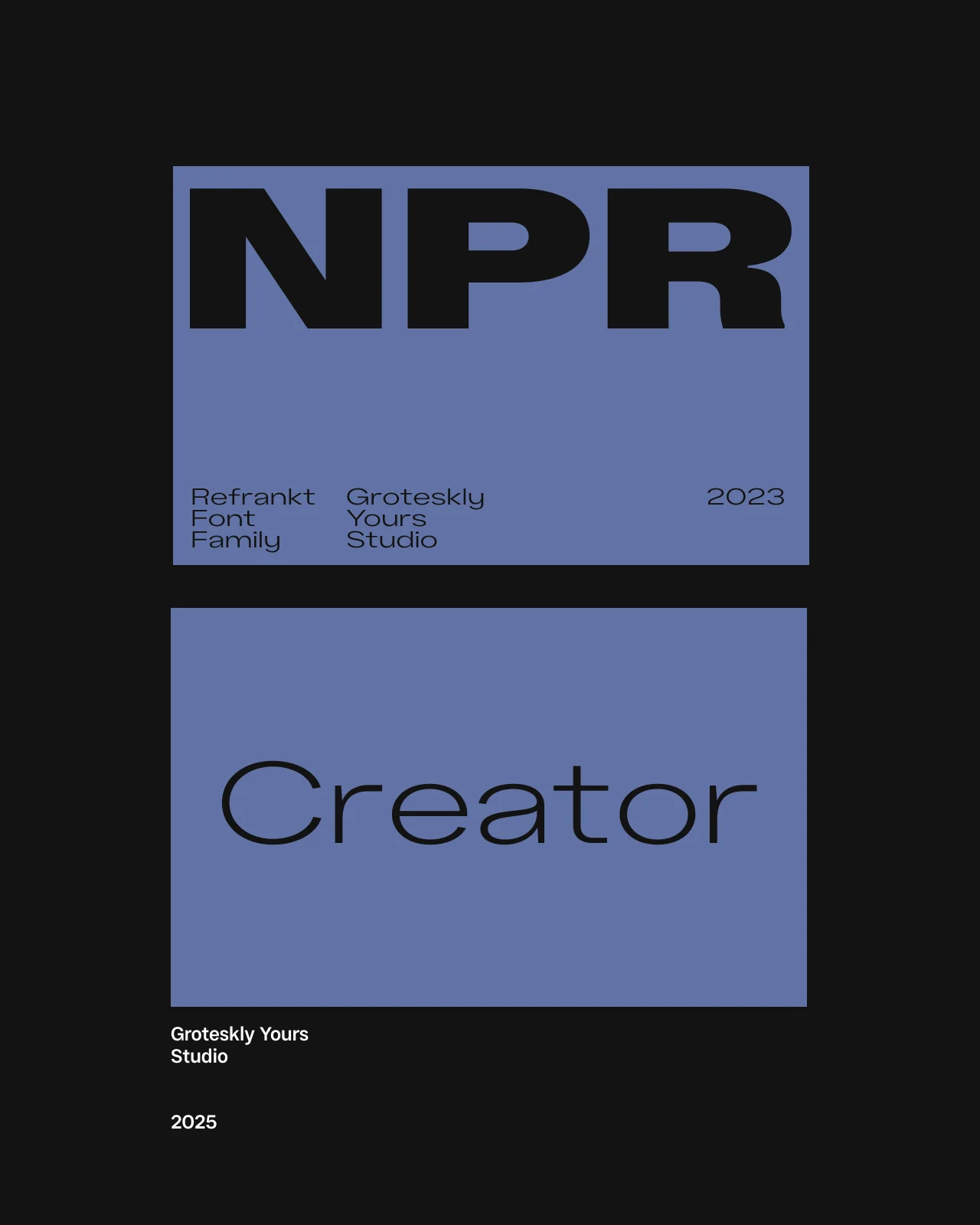
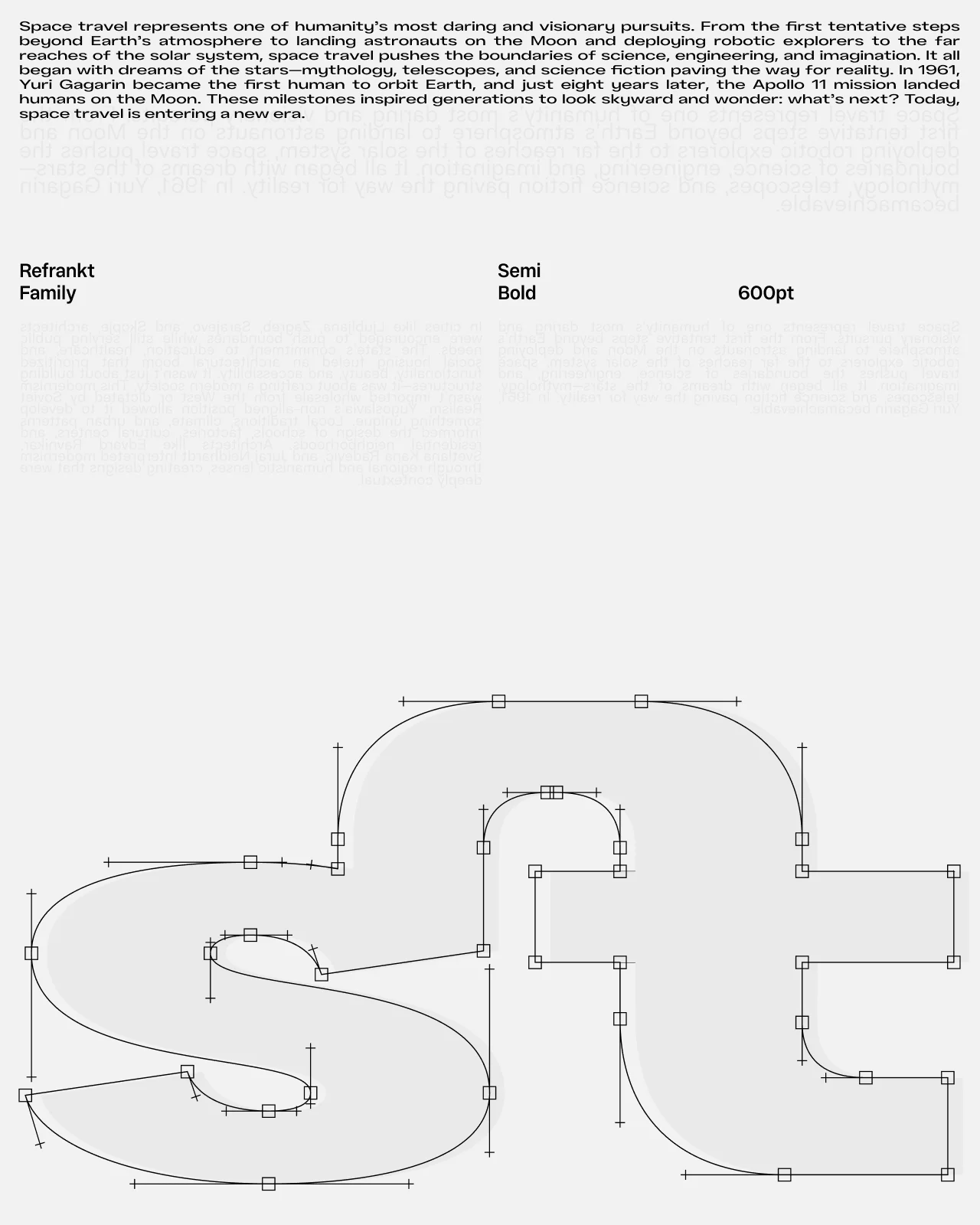
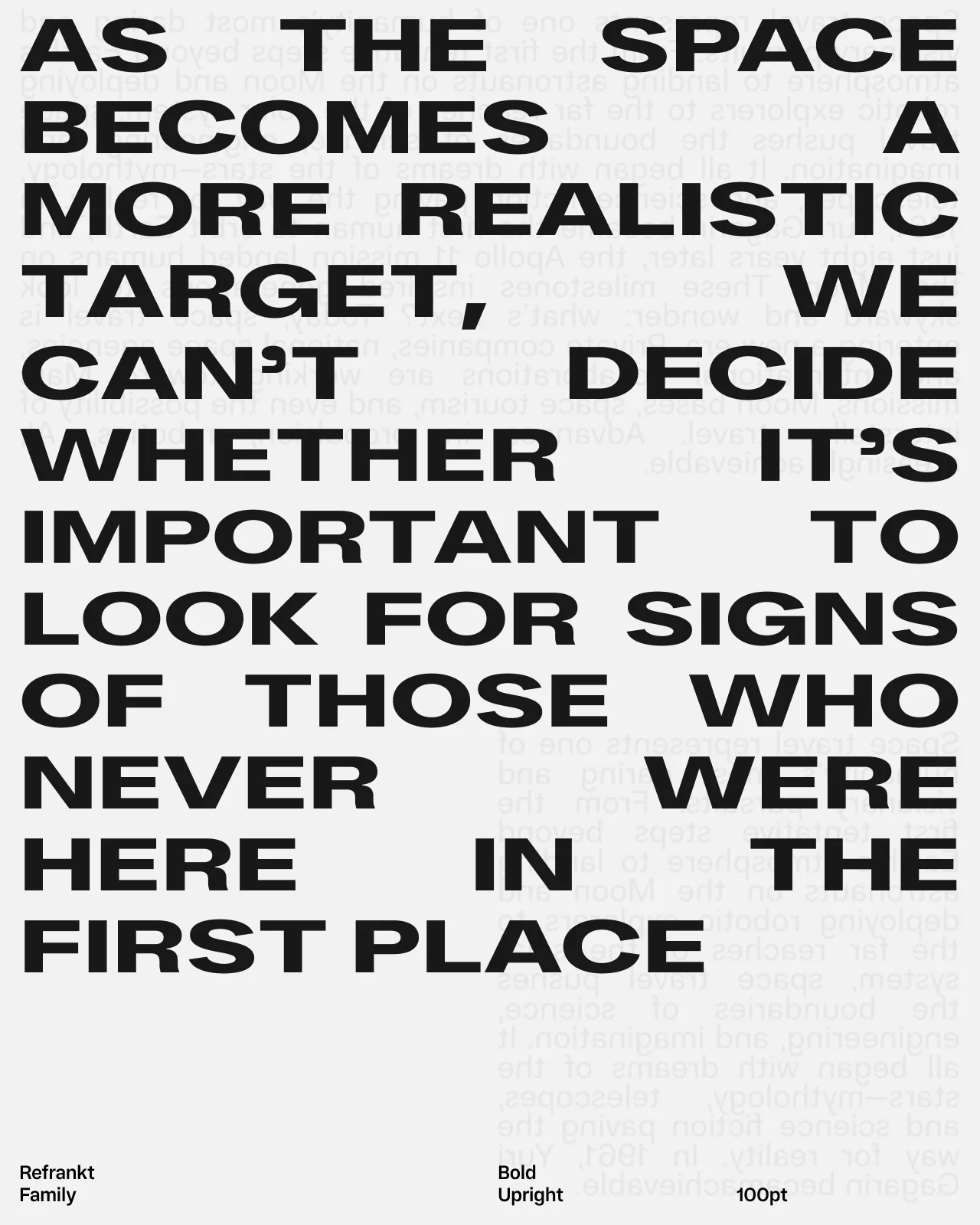
This collection brings together fonts for CapCut video editing with different levels of expression, weight, width, and readability. Display styles can create stronger titles and opening screens, while more restrained families are better suited to captions, subtitles, and supporting text. Test the typefaces in your own video layouts, check them at the final screen size, and use the available trial versions before licensing.







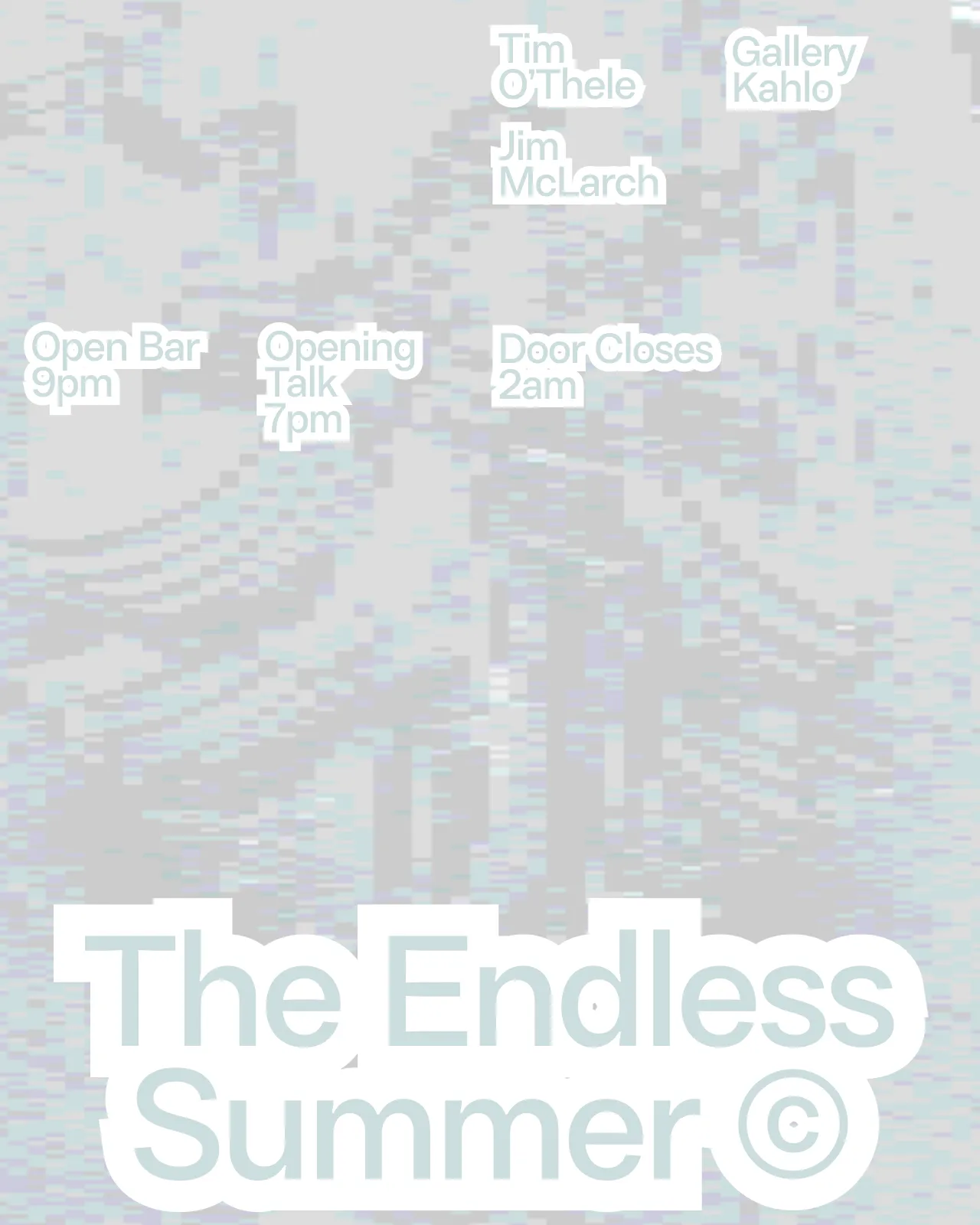
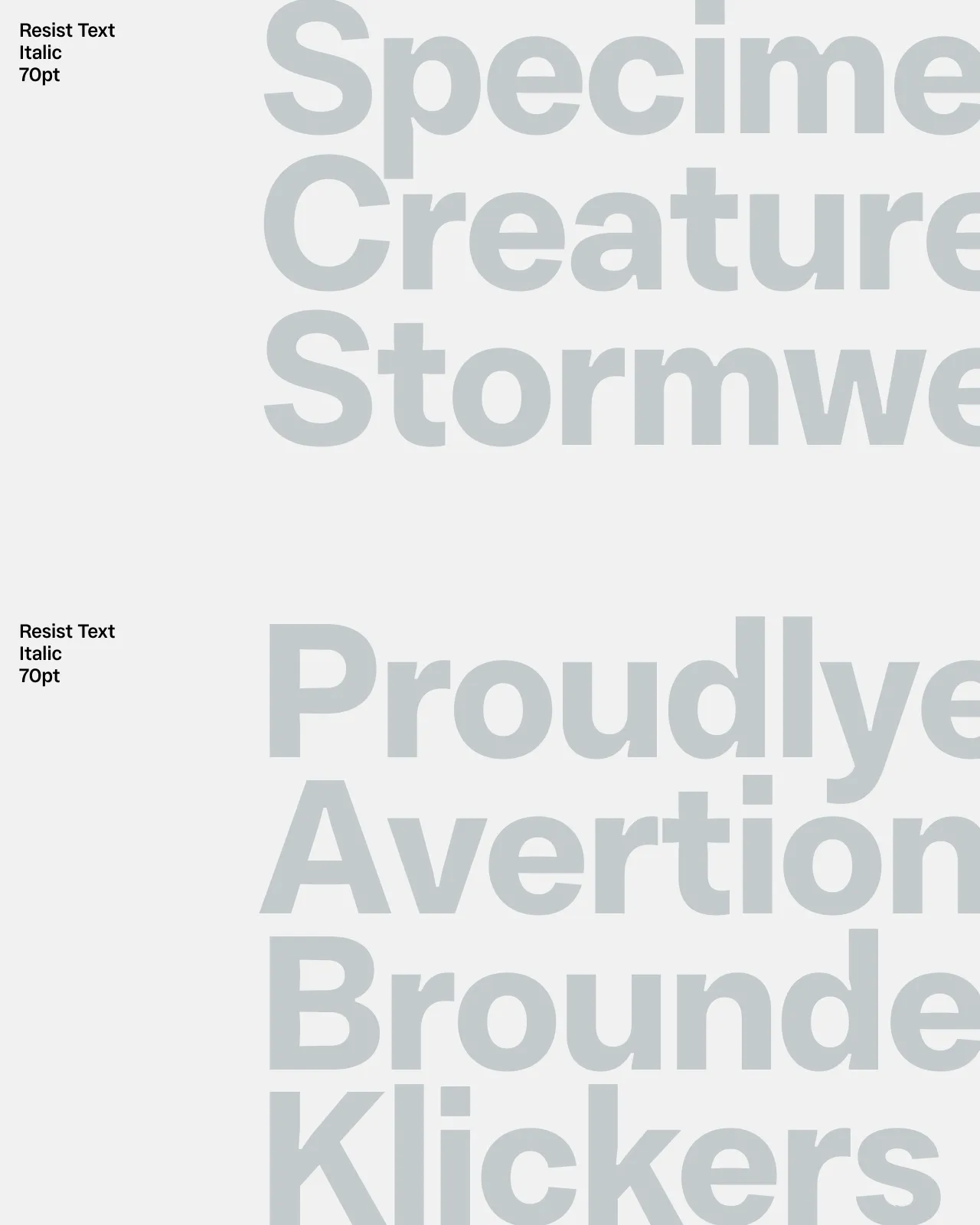

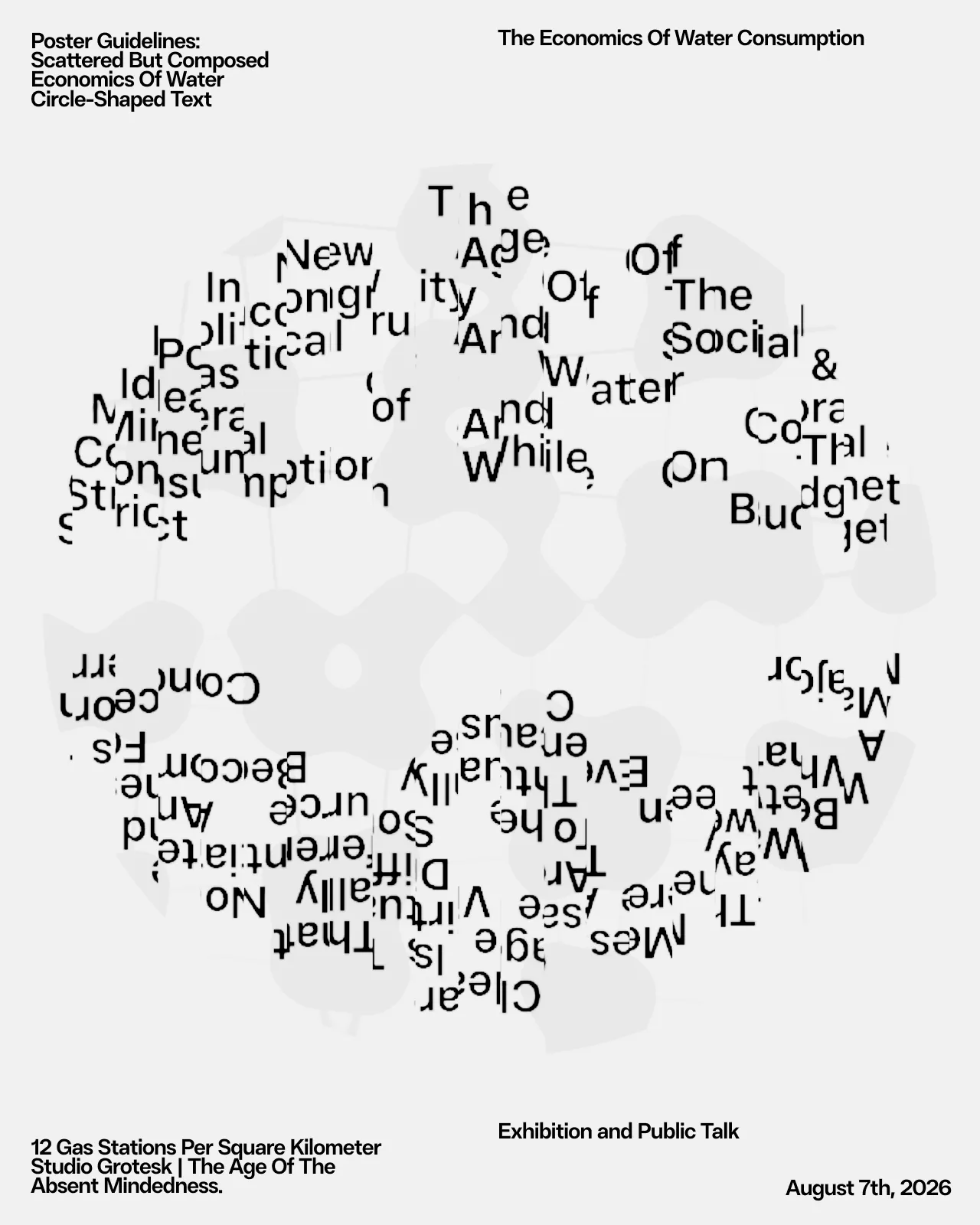
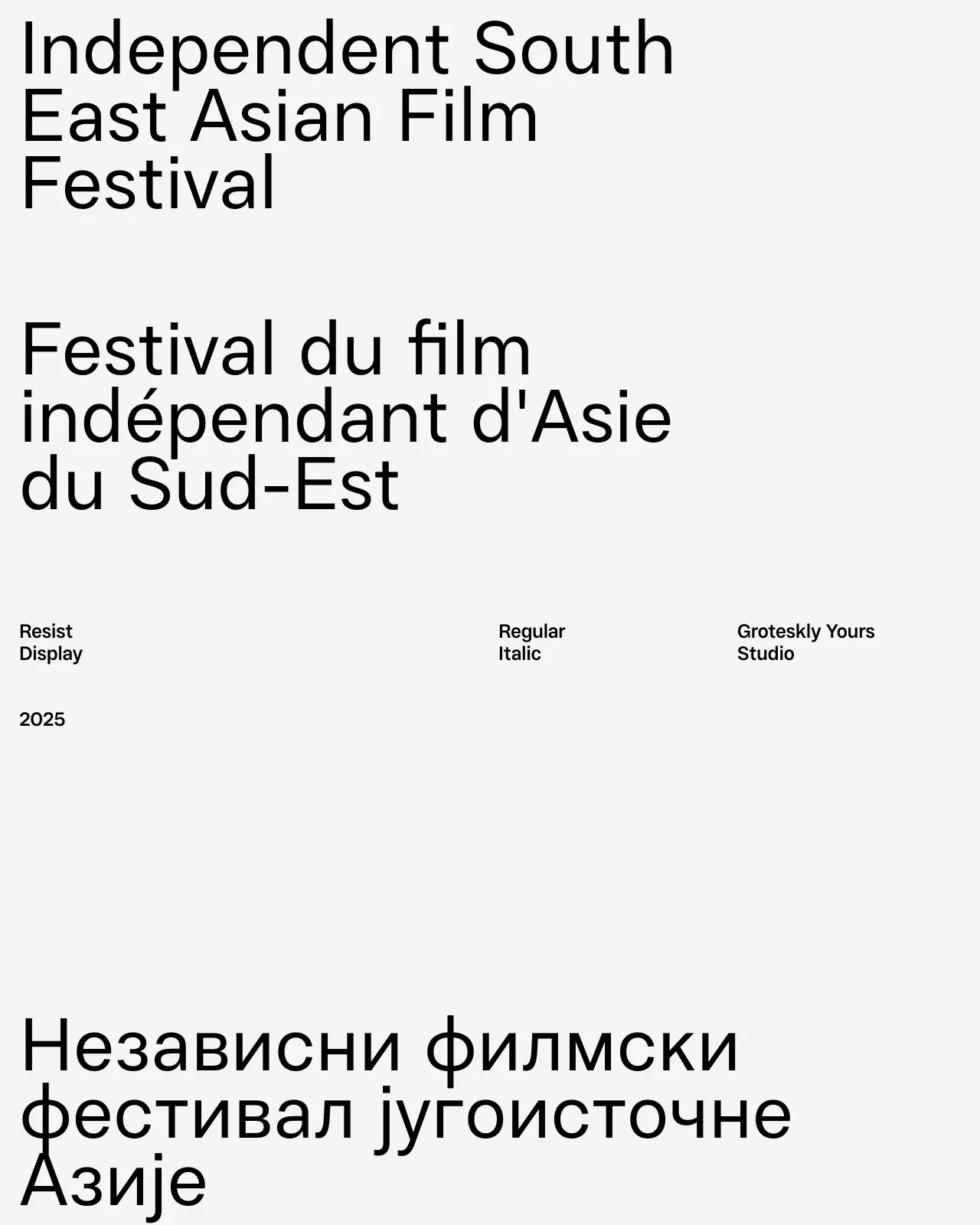

Frequently Asked Questions
What are CapCut fonts?
CapCut fonts are typefaces used for titles, captions, subtitles, and other on-screen text in CapCut and similar video-editing workflows.
What are the best fonts for CapCut videos?
The best choice depends on the video. Display fonts can work well for titles, while clear and legible sans serifs are usually better for captions and subtitles.
Can I use these fonts in CapCut?
They are selected for CapCut and similar video-editing workflows. Whether a font can be added directly depends on the platform’s current font-import and file-format support.
What is a good CapCut sans font?
A good CapCut sans serif font needs to remain clear at small sizes, work over video backgrounds, and have enough weight and spacing to stay readable during motion.
Can these fonts work as subtitle fonts?
Some are. For subtitles, choose a restrained and legible style, test the font against different footage, and check readability on mobile screens.
Can CapCut fonts be used for social media videos?
Yes. They can be used for short-form video titles, captions, promotional graphics, reels, and other social media content, subject to the applicable license.
Can I try the fonts before buying a license?
Yes. Trial versions are available so you can test the fonts in real layouts before choosing a commercial license. Use the trial font to check the typeface at the sizes and formats needed for your project.